
Website redirect rules you can test before they go live
A redesign, a new domain, the move to https: one bad rule is enough to send visitors to the home page or round in a loop, and search engines notice before you do. With Klacos, every rule can be tested against a request and run in observation before it applies. Every version is kept, so you can roll back in one step.

Why redirects make people nervous
With every redesign, each old URL has to lead somewhere. A badly written rule sends everything to the home page, loops forever, or lets a link send visitors off to someone else’s site. You find out once visitors and search engines have already hit it.
And it costs you: shared links that lead nowhere, campaigns landing on an error page, pages losing their place in search results while you fix it. Worse, when nobody can tell what a rule will touch, nobody dares clean up the old ones.

Tested, watched, then applied
Test it on a request
Run a URL against your rules, live or draft. The console shows which rule applies, what it does and what the cache will do with it, without sending anything to your server.
Watch it on real traffic
A new rule can run in observation: it’s evaluated and counted on every request, with nothing changing for your visitors. You see how many requests it would have caught.
Publish, or roll back
You publish when the numbers look right. Every version is kept with its author and reason, and the previous one is a single step away.
A redirect loop, or a rule that can never be reached, is flagged before you publish. Once live, every rule keeps its own counter, so you can see which rule handled a request and which ones are no longer pulling their weight.
Rules that read like a sentence
Each rule says: if the request matches these conditions, then do this. Conditions cover the host, the path (exact, prefix, pattern or expression), the method, a header, a parameter, the visitor’s address or country, and they can be combined. The first matching rule applies, in the order you set.
A redirect can reuse parts of the original URL: old path to new path, one domain to another, a trailing slash added or removed. It can’t be hijacked to send your visitors to a third-party site. For more complex cases, the same rules can be read and written in advanced mode.
Rules sit alongside your caching rules, and path-based routing extends to spreading traffic across several servers.
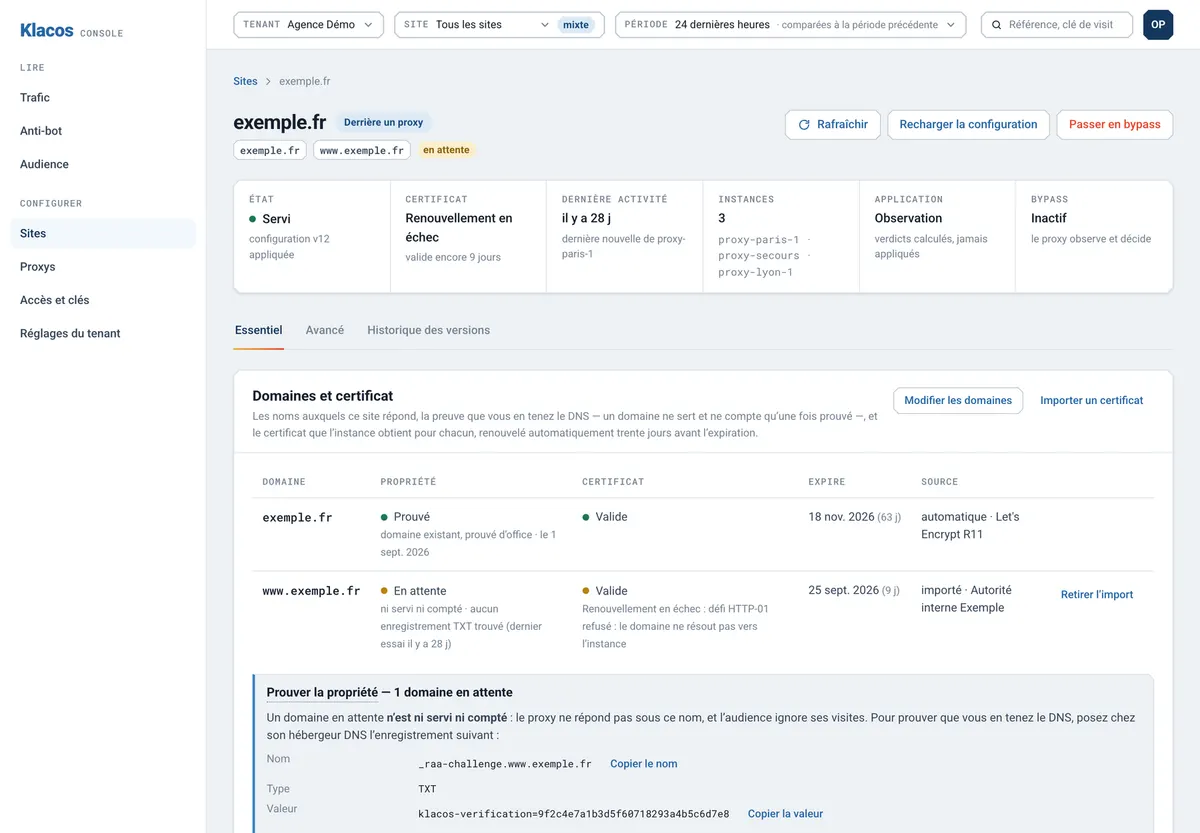
All your rules in one place
Redirects
Rewrites
Headers
Path-based routing
Simulation
Mistakes caught
Rules in observation
History
Rules and redirects are part of your site’s performance and availability.
Questions about rules and redirects
Can I bring my existing redirects?
You recreate them in the console or in advanced mode, where the same rules can be written in one block. It’s often a good moment to drop the ones nobody uses.
How do I know whether a rule is still used?
The console counts the requests each rule handles, applied or observed. A rule that no longer sees any traffic stands out at a glance.
Is the move to https automatic?
Yes, as a per-site setting: plain HTTP requests are redirected to https, keeping the path and parameters.
Can I run my own code in front of the site?
No. Rules cover conditions, redirects, rewrites, headers and routing; they don’t run scripts.
See which requests a rule would hit before you publish it
Request early access, or tell us about the redesign or domain change you’re planning.