
Virtual waiting room: in a traffic spike, your users get in on their turn
On the day of a sale or a ticket release, more people turn up than your server can serve, and payments start failing. Klacos lets in as many users as your server can serve, and the rest wait in a queue.
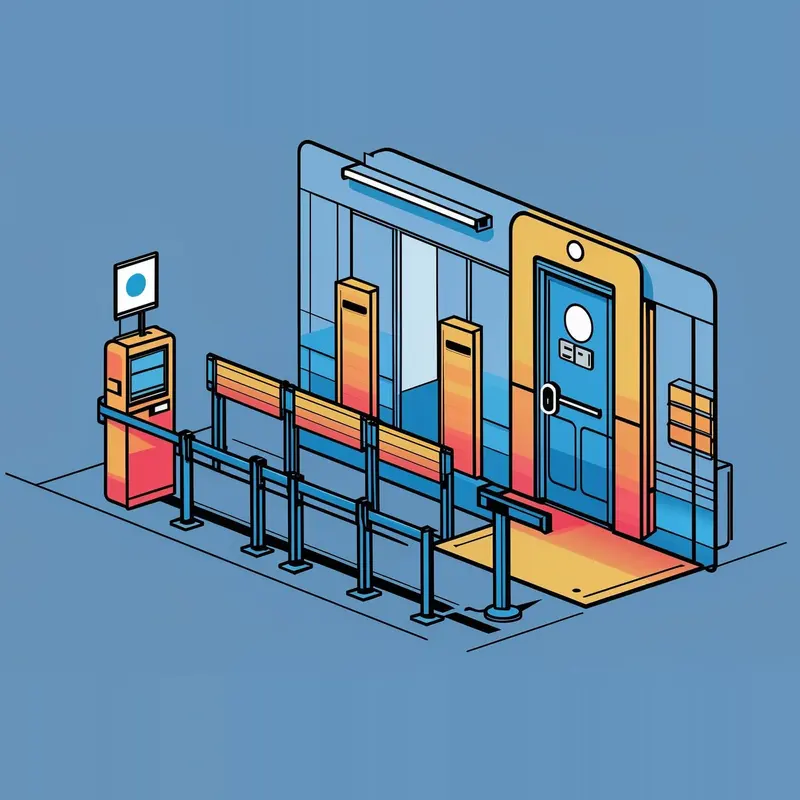
Your site stays usable on the day everyone shows up
A wait instead of an error
Your users see a waiting page, not a lost basket.
A queue without bots
Blocked bots don’t join the queue.
An opening planned ahead
The queue opens at the time of your sale, or on its own when your site is under too much load.
Everyone sees how long is left, then gets in on their turn
The queue opens
Your site is under too much load, or the time of your sale has come.
The user waits
They see an estimate of the time left, and the page updates on its own.
They get in on their turn
In order of arrival, or by a random draw among everyone waiting at opening time.
You follow the queue
You see how many are waiting, how many got in and how many left.
The queue is kept for your users

Your server serves your users, not bots
Bots are turned away by bot management before they reach the queue.
If your server goes down anyway
The waiting room is part of your site’s performance and availability, alongside caching.
Questions about the waiting room
Do I need to change my site?
No. The queue is set up in the console, without touching your pages. You can exclude paths from it, such as the return from payment.
Do search engines see the waiting page?
No. They are asked to come back later, and the waiting page isn’t indexed in place of yours.
How long can an admitted user stay?
That’s up to you: you set how long an entry stays valid.
Does the waiting room stop an attack?
No, it regulates a traffic spike. Attacks on your application are a job for the web application firewall and rate limiting.
Plan your next sale with a queue kept for your users
The queue opens at the time of your sale, or on its own when your site is overloaded, and blocked bots don’t take a place in it.